How to check whether your phone is still under warranty
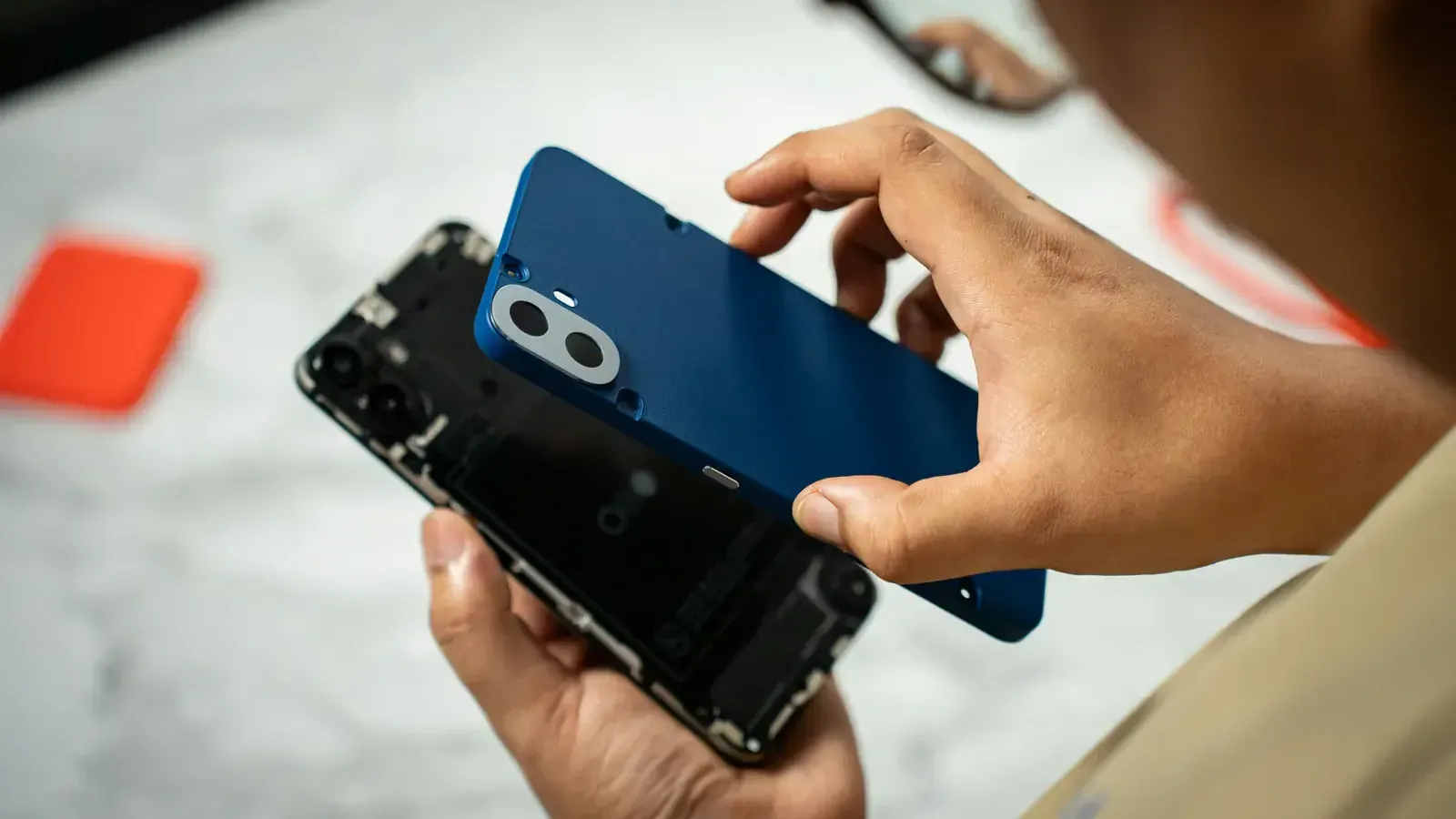
It is the one thing on the list worth digging through your email for, and it takes two minutes to confirm.
Of the three things people are asked to find before selling — bill, box, charger — the bill is the only one that can move the number much, and only because of what it proves: that the phone is still inside its warranty.
The rule of thumb
A new phone carries a manufacturer warranty that runs from the date of purchase; how long depends on the brand and where it was bought. Extended plans bought at the same time run longer. If the phone is more than a couple of years old and has no extended plan, this section is usually a formality and you can skip to the condition questions.
Where to check, by brand
- Apple. Settings → General → About gives the serial number. Apple's own coverage page reports what is left and when it ends.
- Samsung. The Samsung Members app shows warranty status for the phone it is installed on; Samsung's support site also takes an IMEI.
- OnePlus, Xiaomi, Vivo, Oppo, Realme. Each runs a warranty check on its support site, keyed to the IMEI. Dial *#06# to get it.
If none of that works, the purchase date on the invoice settles it.
Find the bill
For most people it is not paper. The tax invoice for an online order is in the order history of the shopping app and usually in your email as a PDF. A shop purchase may have been messaged to you. A phone bought from a brand store is attached to the account you bought it with.
What it is worth
An in-warranty phone with a valid bill prices higher than the same phone out of warranty, because the remaining cover goes to whoever buys it next. Without the bill, the cover cannot be proved and the phone is priced as an out-of-warranty one — it still sells, and everything else about the quote is unchanged.
One thing to check while you are there
A screen or battery replaced outside the manufacturer's network usually voids the cover on that part and is a separate question in the quote. On an iPhone, Settings → General → About → Parts & Service History will tell you. What a non-original screen does to the price is a post of its own.
Get a price for your device
A price in about a minute, free doorstep pickup in a two-hour slot, and paid — cash or bank transfer — before our agent leaves.
Questions people ask
- How long is a phone's warranty?
- It depends on the brand and where the phone was bought, and it runs from the date of purchase. Extended cover — AppleCare, Samsung Care+ and the rest — runs longer where it was bought. The brand's own warranty checker gives the exact expiry date.
- How do I check an iPhone's warranty?
- Find the serial number in Settings → General → About and enter it on Apple's coverage checker. It reports the remaining cover and the expiry date.
- Does warranty actually change the resale price?
- Yes. An in-warranty phone with the bill to prove it prices higher, because the cover passes to the next owner. Without the bill it cannot be proved, and the phone still sells.