Unpairing a smartwatch before you sell it
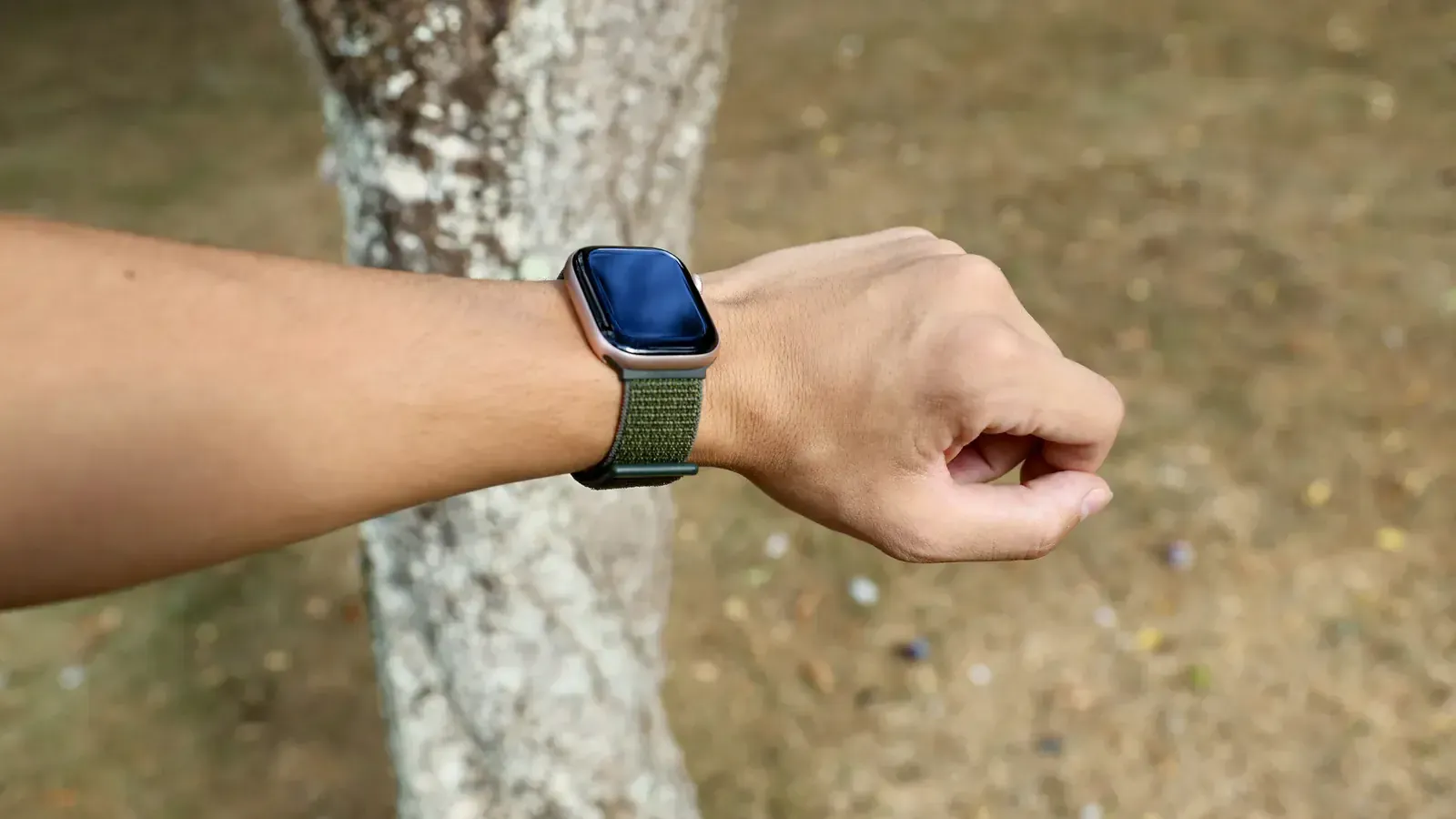
On a watch, unpairing is the erase, the sign-out and the unlock all at once — and it has to be done from the phone.
A watch is the one device where erasing it yourself is the right thing to do, because on a watch the erase and the unlock are the same action — and it happens from the phone, not the watch.
An Apple Watch
- Put the watch and the paired iPhone next to each other.
- Open the Watch app on the iPhone.
- Tap My Watch, then the watch at the top of the screen, then the info button beside it.
- Tap Unpair Apple Watch, and confirm.
The iPhone makes a backup of the watch first, then erases it and removes Activation Lock from your Apple ID. That last part is the one that matters: a watch still tied to your Apple ID cannot be set up by anyone else, so it cannot be resold.
If the paired iPhone is gone, sign in to iCloud on a computer, open Find My, choose the watch and remove it from the account.
A Galaxy Watch
Unpair it in the Galaxy Wearable app on the phone, then sign out of the Samsung account on the watch itself if it is still signed in. Two things, both of which lock the watch to you.
Any other brand
Unpair it in whatever app it was set up with, then factory reset it from the watch's own settings.
What is left to do
- Take off the strap you want to keep. The price is for the watch; the strap does not change it.
- Find the magnetic charger. It adds a little, and it lets the rider power the watch on at your door.
- Note the case size and whether it is the GPS or the cellular model, because that decides which model you are actually selling. The smartwatch page lists them separately.
Then the pickup
Free, in a slot you choose, and paid — cash or bank transfer — before the rider leaves. See what yours is worth on the smartwatch page.
See what your watch is worth
A price in about a minute, free doorstep pickup in a two-hour slot, and paid — cash or bank transfer — before our agent leaves.
Questions people ask
- How do I unpair an Apple Watch?
- Keep the watch and iPhone next to each other, open the Watch app on the iPhone, tap My Watch → the watch at the top → the info button → Unpair Apple Watch. The phone backs the watch up, erases it, and removes Activation Lock.
- What if I no longer have the paired phone?
- You can erase the watch from the watch itself, but Activation Lock stays until it is removed from the Apple ID that owns it — through iCloud on the web, under Find My devices. Do that before the pickup.
- Do I need to include the charger?
- It adds a little, and it lets the rider power the watch up at your door. Bring it if you have it.