Moving WhatsApp to your new phone
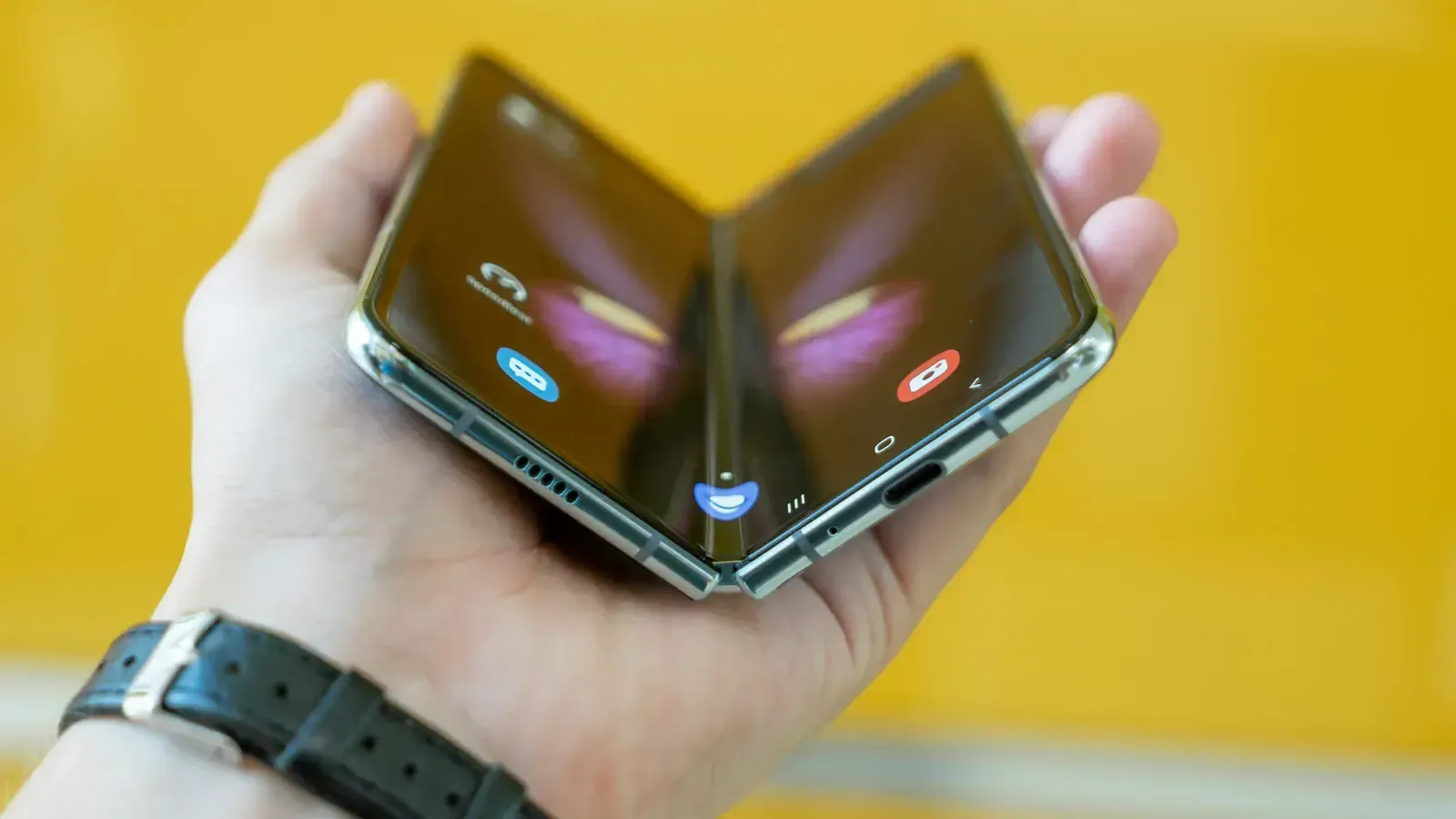
The chat history is the thing people mind losing most, and it is the thing a phone backup is least likely to carry.
Of everything on a phone, chat history is what people most regret losing and what a normal phone backup is least likely to carry. It takes ten minutes to do properly.
First, run WhatsApp's own backup
Inside the app: Settings → Chats → Chat backup → Back Up. On Android this goes to Google Drive; on iPhone, to iCloud. Turn on "Include videos" if the videos matter to you — they are most of the size, which is why it is off by default for some people.
Do it on Wi-Fi, and wait for it to finish rather than assuming.
Android to Android
Sign in to WhatsApp on the new phone with the same number and the same Google account. It offers to restore from the Drive backup. Accept, and let it finish before you touch anything.
iPhone to iPhone
The same, through iCloud: same number, same Apple ID, restore when offered.
Between Android and iPhone
This is the case where the cloud backup does not help — the two platforms store it differently. WhatsApp has a built-in transfer that moves the history directly between the phones, and both need to be with you: on iPhone, Move to iOS; on Android, the app's own transfer flow. Follow it to the end before you erase anything.
Then check before you let go
Open WhatsApp on the new phone and scroll back through a few conversations. Look for media, not just text — photographs and voice notes are what people miss. Check a group chat as well as a one-to-one.
Then the old phone
Sign out of your accounts and take the SIM out. Our agent factory resets the phone in front of you at pickup, which is the point at which the old copy of your history goes for good — so make sure the new one is working first.
The ten-minute checklist covers everything else to do before the rider arrives.
See what your phone is worth
A price in about a minute, free doorstep pickup in a two-hour slot, and paid — cash or bank transfer — before our agent leaves.
Questions people ask
- Does a phone backup include WhatsApp?
- Not reliably. WhatsApp keeps its own backup, in Google Drive on Android and iCloud on iPhone, and you start it from inside the app under Settings → Chats → Chat backup.
- Can I move WhatsApp from Android to iPhone?
- Yes, with WhatsApp's own transfer, which needs both phones and a cable or the Move to iOS app. It does not go through a cloud backup, so both phones have to be with you.
- What happens if I skip it?
- You keep the account and the contacts, and you lose the history. Once the old phone has been reset there is no way back to it.